2 · Discoverability
Entry points
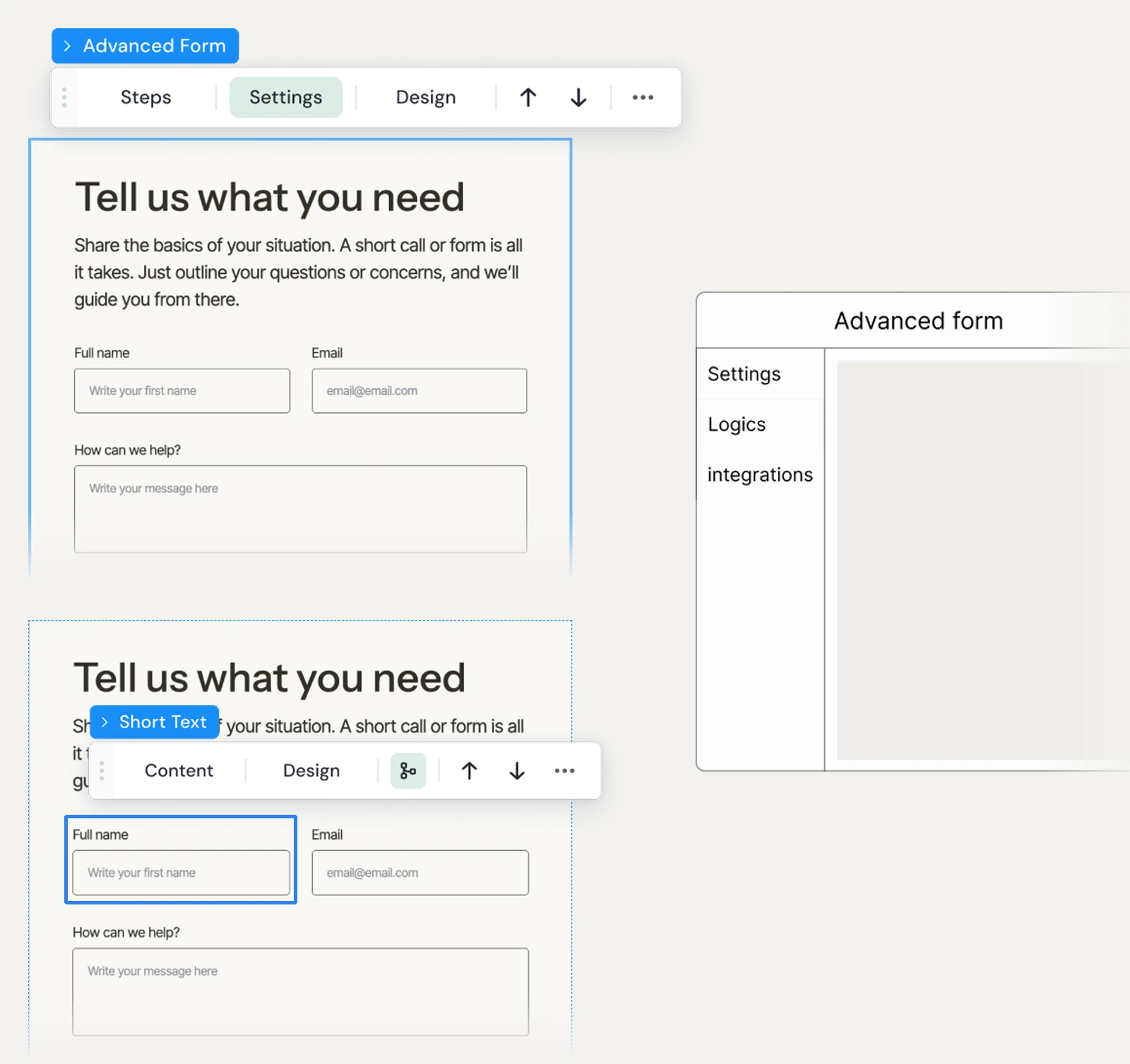
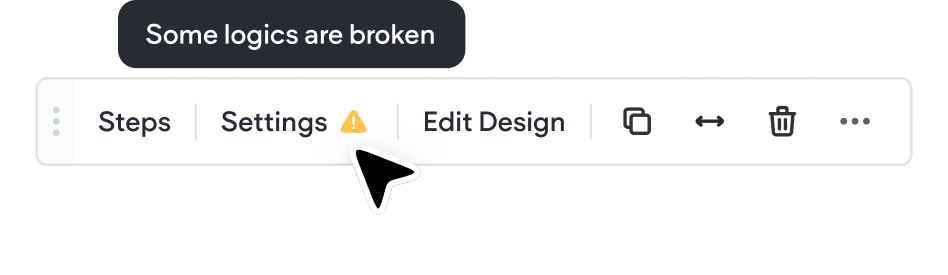
We used a dedicated modal, and later the floating bar button as a shortcut.
Case study 02 · Duda
Smart forms that respond to every visitor differently.
Source: HubSpot · WPForms · Zuko Analytics
"The problem isn't the form. It's that every visitor sees the same one."
Every field is a decision point - and a potential exit
Every form field, shown to every visitor, every time.

The Agency Designer
Alex · Builds 3-5 client sites per month
"My clients want smart forms. Right now I have to choose between clean and useful."

The Business Owner
Sarah · Runs a boutique interior design studio
"I keep getting inquiries that aren't relevant to my business. The form doesn't filter anything."

The End Client
Dan · Looking for a service provider
"Why am I being asked for my company name? I'm just a person looking for a service."
Based on user voice requests and agency partner interviews
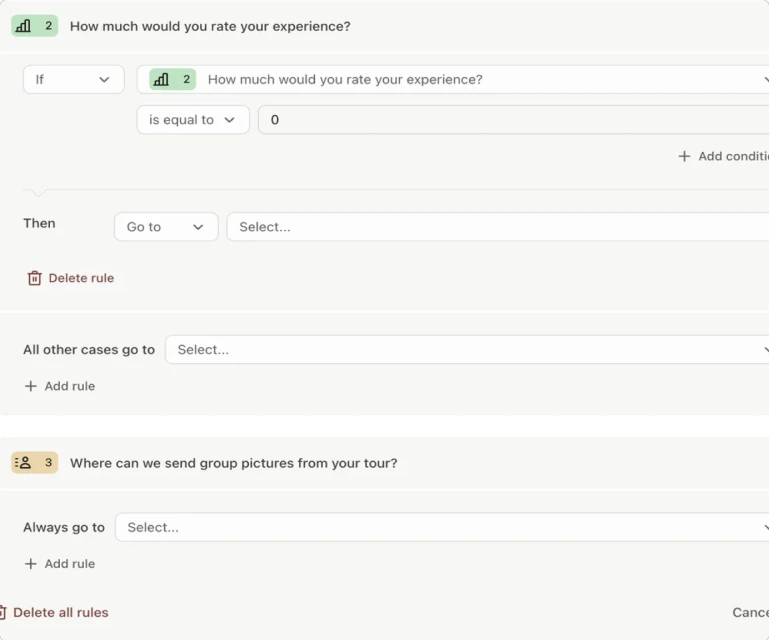
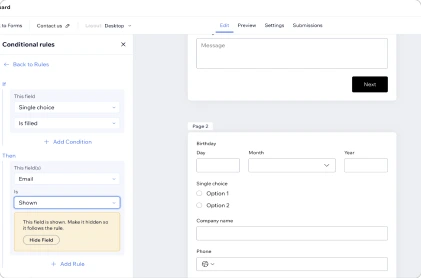
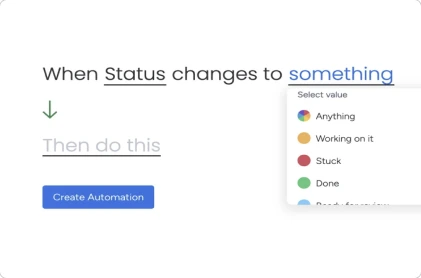
Competitive landscape · 2025
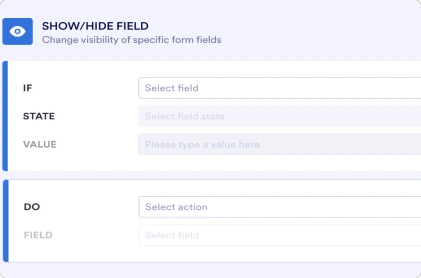
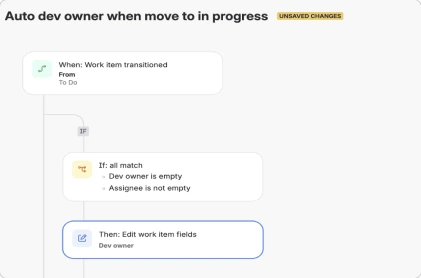
Key insights
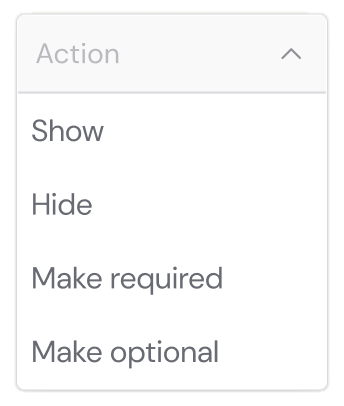
Key insights
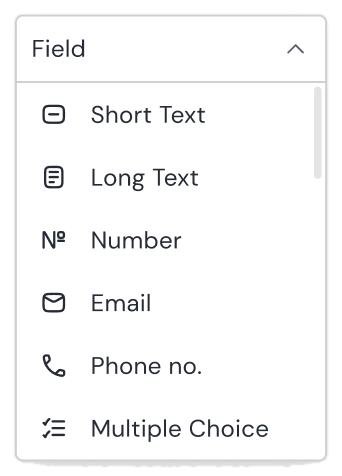
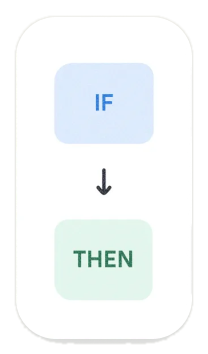
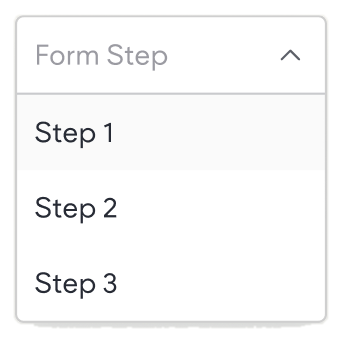 If Field 1 is equal to Business, Then show Field 2
Extended conditions, multi-step logic and more - scoped for future phases based on adoption.
1 · Architecture
Poor hierarchy
Selected- main form
Selected- nested elements
2 · Discoverability
We used a dedicated modal, and later the floating bar button as a shortcut.
3 · Modal UI uplift
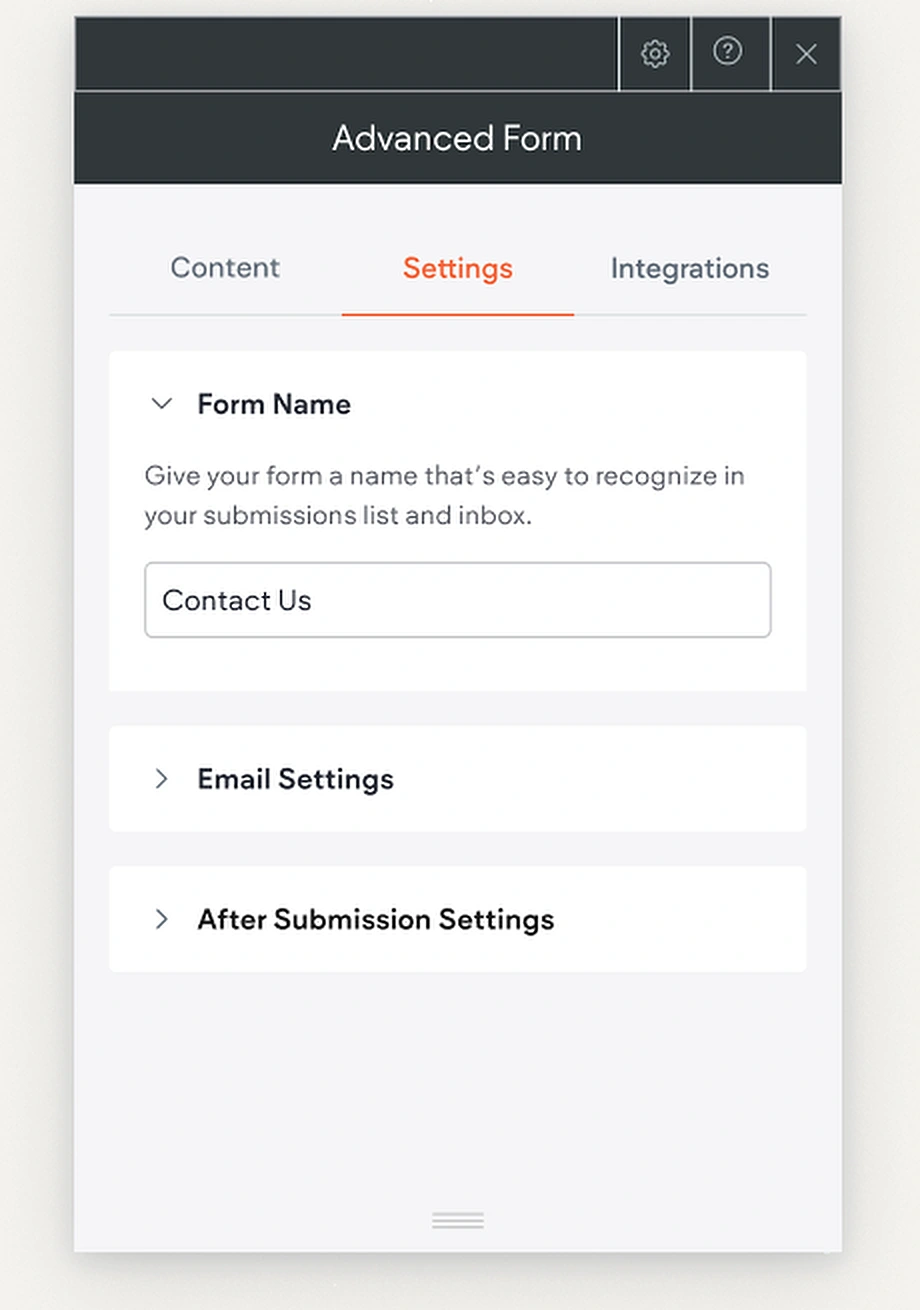
Designed by me, grounded in Duda's system.
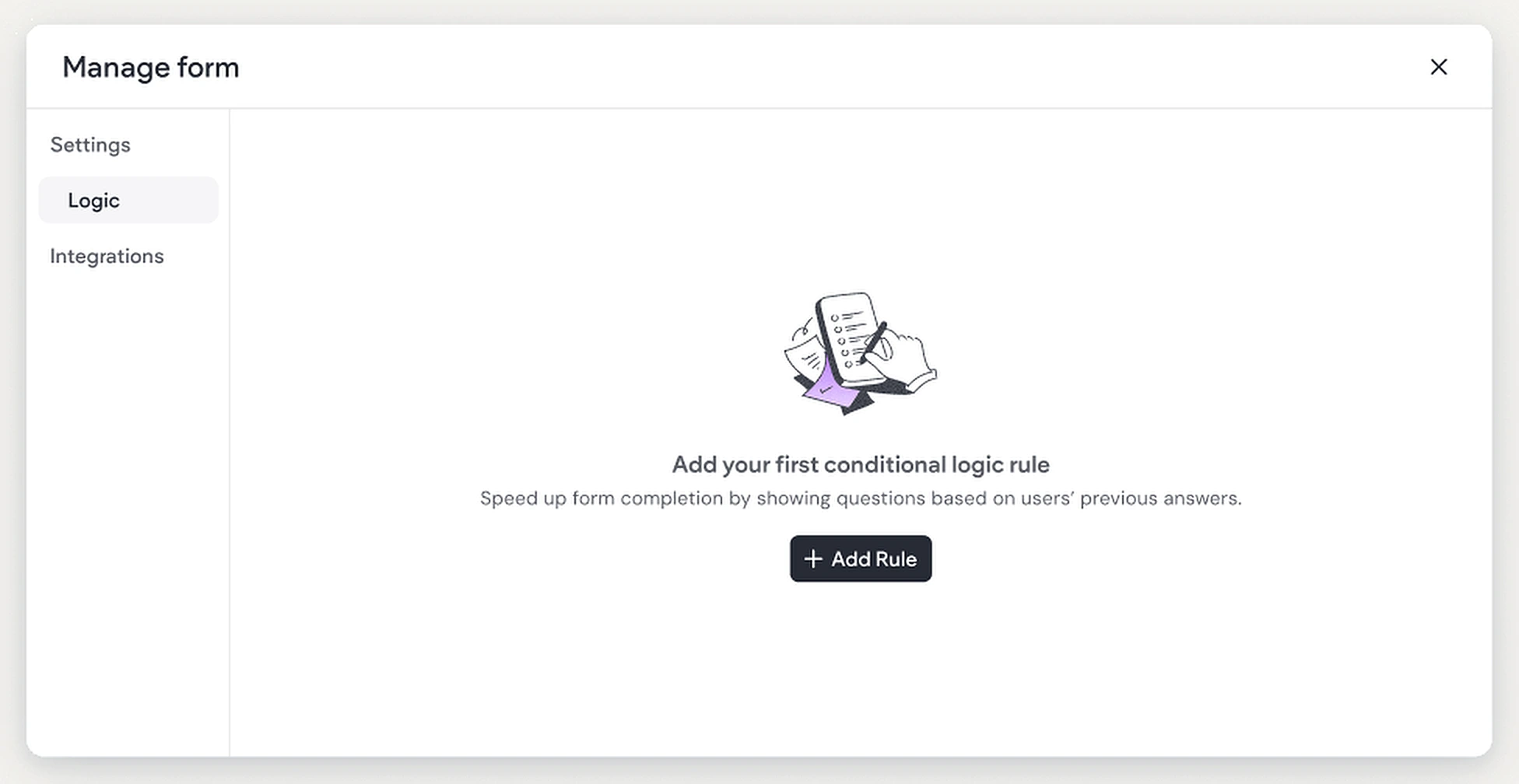
3 · Modal UI uplift
Integrations list now aligned to industry standards
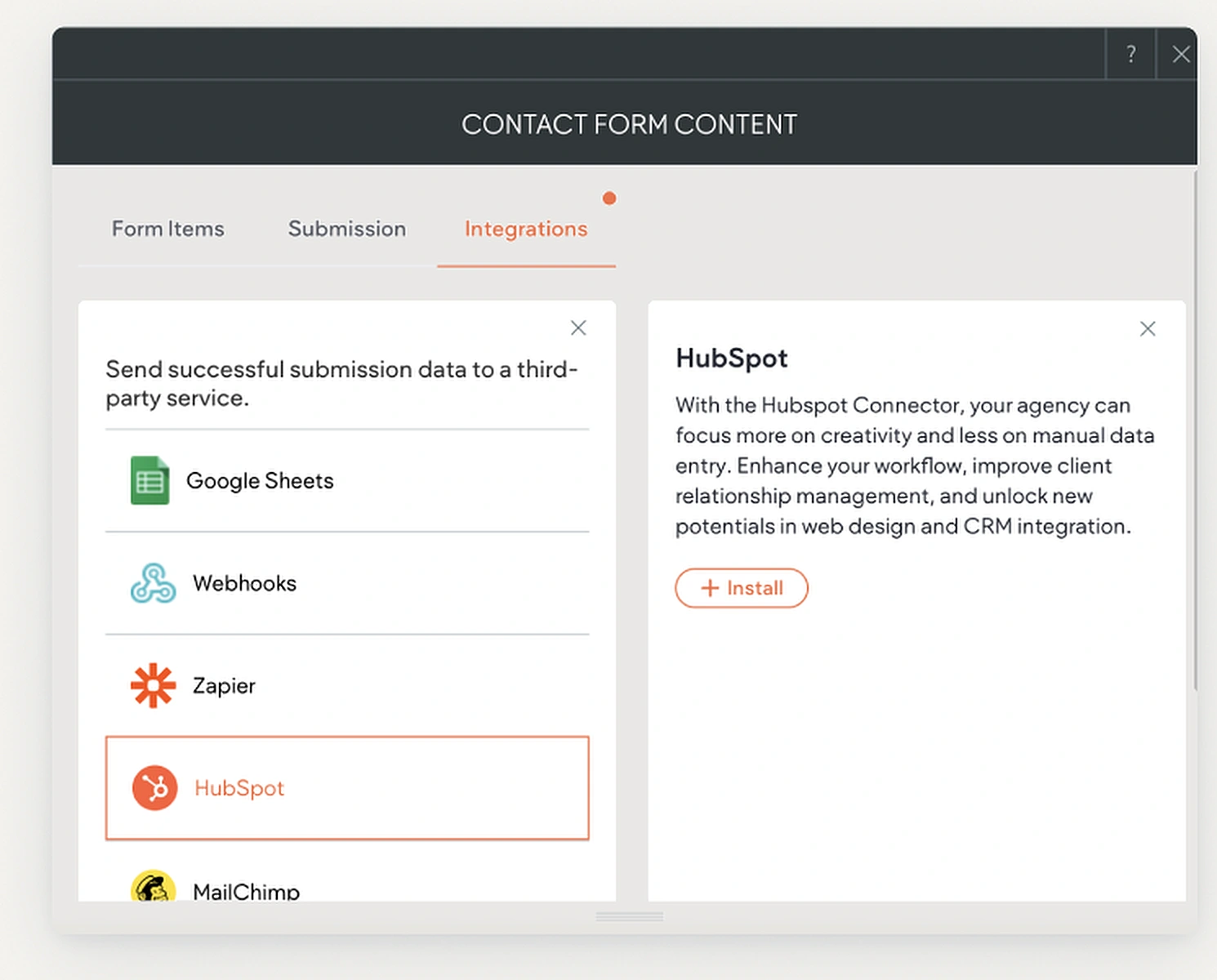
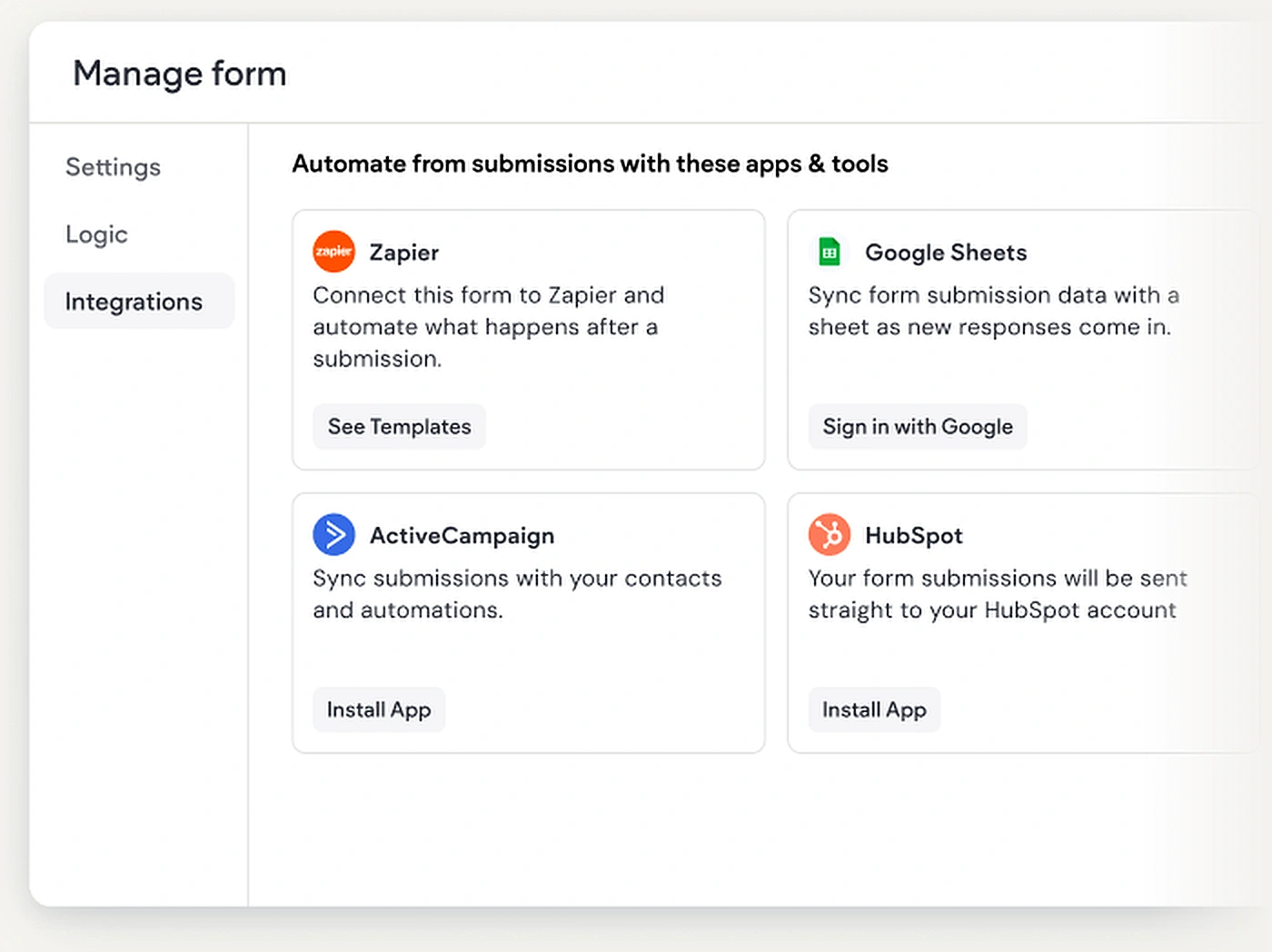
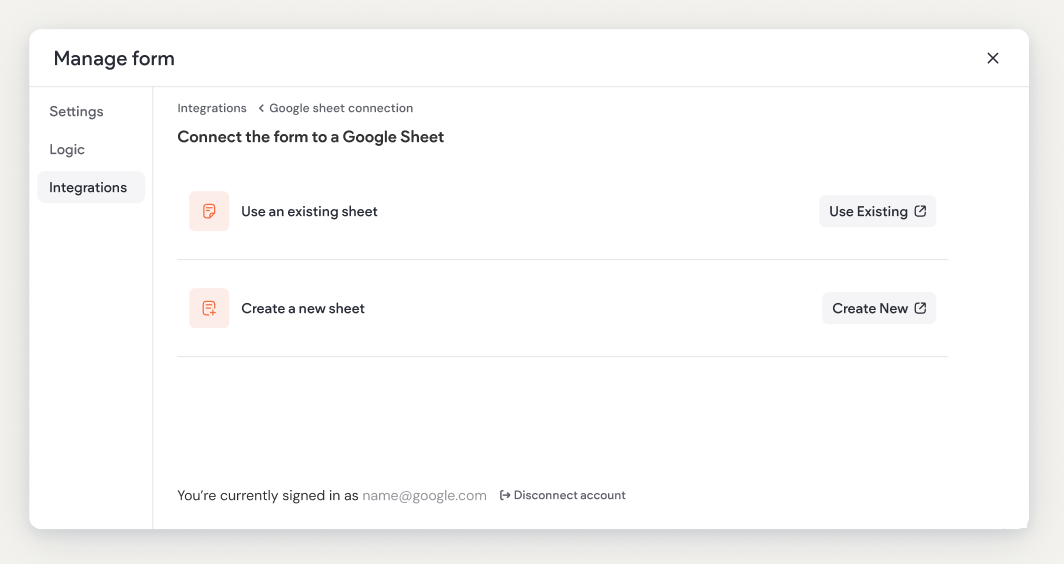
4 · Quick win
The quickest path from form to spreadsheet
5 · Error handling
What happens when user deleted a logic related field?
I left before handover. Next, I'd invest in onboarding and progressive disclosure - power only matters when users feel confident.
AI scans your form fields and offers ready-to-use rule suggestions - no configuration needed to get started.
Design constraints